


The AI finance team for HVAC
Equipment, crews, and commissions on every install and service call, so you know what each job really made.
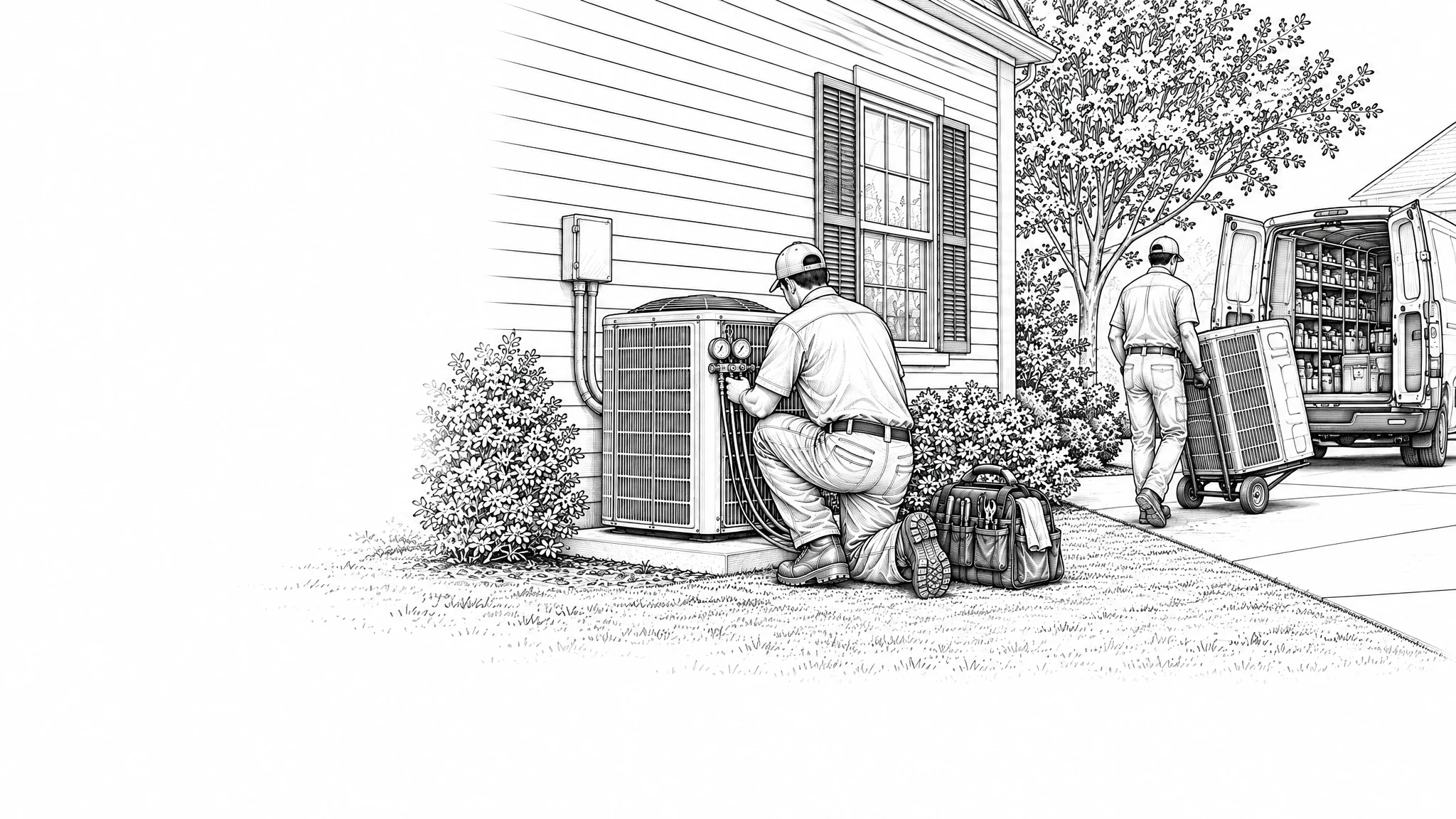
See what every HVAC job made.
Equipment, true labor, materials, financing, and permits land on each install and service call from the systems you already run. See job costing
Margin by job, tech, job type, and branch, every week, so you can fix a job type while it still matters.
Volca flags the jobs that ran over and the prices under target, then recommends what to change.

Job 4182
A 4-ton system changeout
- Equipment$5,480
- True labor$2,310
- Materials$860
- Financing and permits$640
- Overhead$1,786
Last 5 weeks
Changeouts ran 8 points under target at two shops this month.
Recommended: update the price book
Materials on the right job, at the right price.
Reads every equipment and supply house invoice line by line and puts the cost on the right job. See invoice matching
Catches when an equipment or parts price goes up, so your price book keeps up with your distributor. See Pricing Analyst
Bills arrive already coded to the job. Approve the batch and each payment goes out on its due date. See bill pay
Distributor invoice
3 lines read
- 4-ton condenser$3,420Job 4182
- Evaporator coil$1,180Job 4182
- Line set and fittings$286Job 4182
4-ton condenser is up +6% since your last order.
Bill coded to job 4182. Pays on its due date.
Approve and scheduleLabor cost that matches what you paid.
Calculates sold-by and installed-by commissions, helper splits, and spiffs on your pay plans, then puts that labor back on the job. See commissions
Techs see what they made on every install and service call before payroll runs, and dispute a line if it looks wrong. See Pay Packs
Every field employee gets their Pay Pack by text and email, with each job and what it paid.
Install lead Pay Pack
This week
- Sold-by commissionJob 4182$568
- Helper splitJob 4182$142
- Maintenance plan spiffJob 4190$25
Question on Job 4190? Reply right on the line before payroll runs.
See what your HVAC jobs made.
Walk us through how you job cost today. We'll show you what every job made.
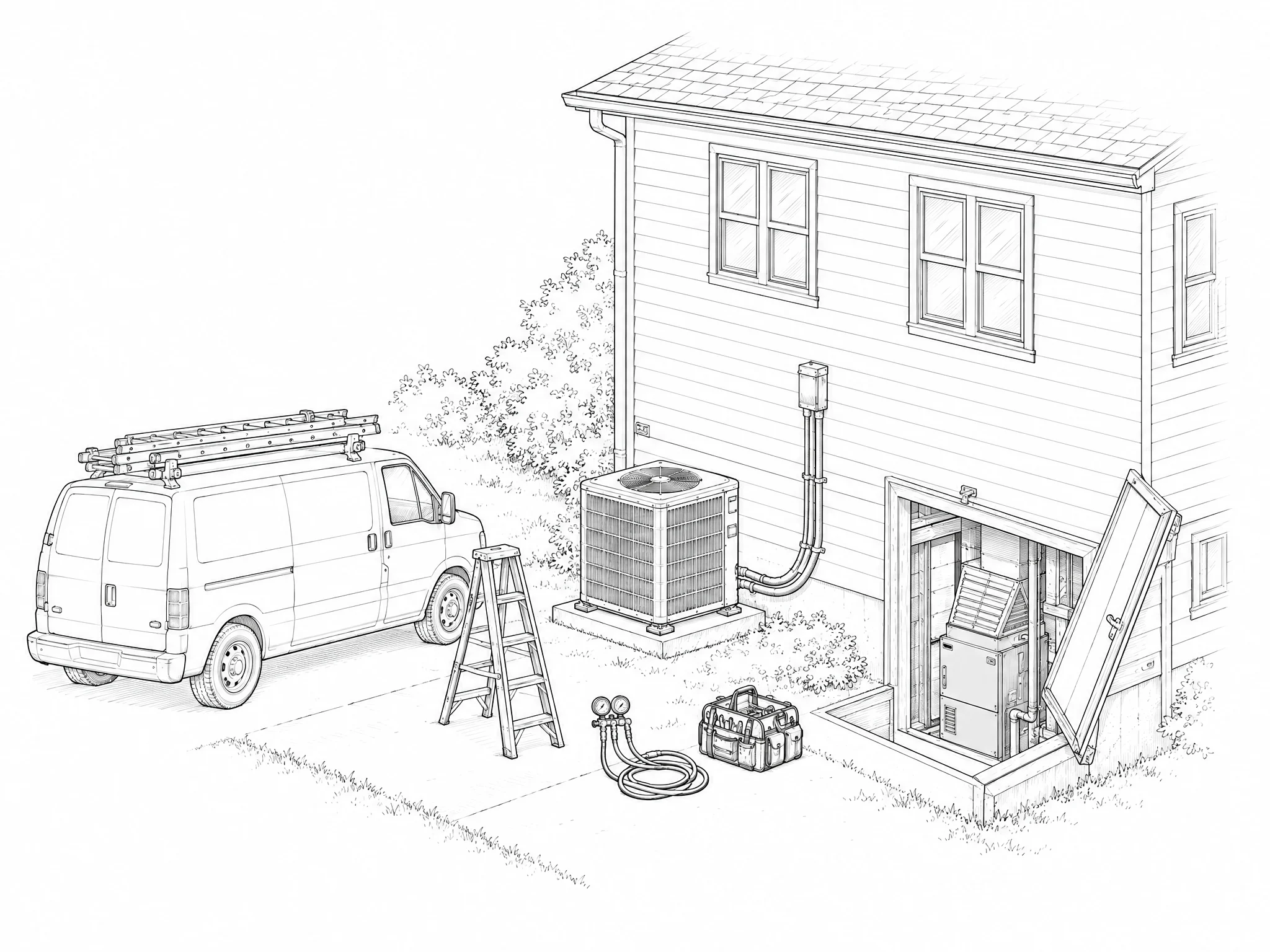
FAQs
Don't see your question? Talk to us and we'll walk through anything specific to your shops.
Do I need Volca payroll or AP to use job costing?
No. Job costing works on its own with the systems you already run. Payroll and AP are separate products you can add if you want them.
What does Volca put on each HVAC job?
Equipment, true labor, materials, financing, and permits land on each install and service call from the systems you already run. Volca puts each cost on the job, business unit, and cost type it belongs to.
How often do I see the numbers?
Every week, job by job, so you can act on a job while it still matters instead of waiting for the month to close.
Do I have to replace my CRM, accounting, or payroll tools?
No. Volca connects to the systems you already run and works alongside them.